
Best Retail Store POS Systems: What UAE Retailers Should Look For
A customer wants to exchange a shirt for another size. Your system shows one available, but the cashier cannot tell whether it is in the stockroom or another branch. Meanwhile, a second customer is waiting to collect an online order.
These everyday situations reveal how well a retail point of sale system supports a business. Processing a straightforward sale matters, but so does handling everything around it.
For business owners comparing the best retail store POS systems, the starting point should be how their store operates. A fashion boutique, electronics shop, and homeware retailer may need different features, even when their checkout counters look similar.
Here is how UAE retailers can evaluate their options and choose software that fits their daily work.
Match the System to Your Product Catalogue
Your product catalogue should shape your POS requirements.
A clothing store may need to track each combination of size and colour separately. An electronics retailer may need serial-number records. A gift shop might sell individual products alongside bundles and seasonal sets.
Ask each provider to demonstrate how its system handles your actual products. Can staff find a specific variation quickly? Does each variation have its own barcode and stock quantity? How are bundles deducted from inventory?
For example, a report showing twenty shirts in stock is less useful if it cannot tell you which sizes are available.
Before committing, test a sample import of your catalogue. Check product names, prices, categories, variants, and barcodes. Identifying import problems early can prevent considerable cleanup after launch.
Make Returns and Exchanges Part of the Demonstration
Retail software demonstrations often focus on completing a sale. Returns and exchanges deserve equal attention.
Ask the provider to show an exchange involving a different price, a partial return from a larger purchase, and a refund for a discounted item.
Check how each action affects stock and reporting. A returned product that can be resold should be handled differently from one that is damaged.
Staff permissions also matter. You may want cashiers to process standard transactions while requiring a supervisor to approve certain refunds or discounts.
The system should support your store’s policies and keep a clear record of who completed each action. This makes discrepancies easier to investigate without relying on memory or handwritten notes.
Look Beyond the Stock Quantity on Screen
An inventory figure is useful only when staff understand what it represents.
Does “available stock” include items reserved for online orders? Are damaged products excluded? When goods move between branches, can managers distinguish stock in transit from stock already received?
Use a practical scenario during the demonstration: transfer five items from one branch to another, receive four, and investigate the difference.
This reveals whether the software can support the way your team handles deliveries and transfers.
Also ask how stock counts work. Can staff count one category without disrupting unrelated products? Are adjustments recorded with reasons? Can managers review previous changes?
These details can matter more than an impressive dashboard.
Verify How Online and In-Store Sales Connect
If your business sells online, investigate the connection between your website and POS system carefully.
Ask whether the proposed integration supports your specific e-commerce platform and which information moves between the systems. Product details, prices, stock quantities, orders, and refunds may each follow different rules.
Consider what happens when someone purchases the last available item in the store while another customer is browsing it online. Ask the provider to explain the timing of stock updates and how failed updates are identified.
Click-and-collect orders also need clear handling. Staff should be able to identify reserved products, confirm collection, and manage cancellations.
Request a demonstration of these workflows before treating an integration as a completed requirement.
Choose Reports That Answer Business Questions
Before evaluating reports, write down what you want to learn from them.
Which products sell consistently? Which variations remain on the shelves? How much discounting took place last week? Which branch needs replenishment?
Then ask the provider to answer those questions using its reporting tools.
For margin reports, confirm how product costs are recorded and how returns or discounts affect the calculation. Revenue alone does not show whether a promotion was profitable.
Check whether reports can be filtered by date, branch, category, and employee where relevant. Export options are also worth testing, particularly if your accountant or management team works with data outside the POS.
A useful reporting system should make routine questions easier to answer.
Evaluate Local Support and Staff Usability
Your team will use the software far more often than the person who approves its purchase. Include cashiers and store managers in the evaluation.
Let them search for products, complete transactions, correct mistakes, and close a shift. Notice where they need assistance.
For UAE retailers, language options, support availability, hardware servicing, and training arrangements may influence the decision. Ask the provider to demonstrate the receipt and billing settings your business needs, and have your accountant review the relevant configuration.
Clarify how support requests are submitted, who handles urgent problems, and whether assistance is available during your trading hours.
Also ask what happens during an internet outage. Checkout availability, card payments, and stock synchronisation may depend on different services.
Compare the Full Package
Two similar subscription prices can cover very different packages.
Request a written breakdown of software fees, hardware, installation, catalogue migration, training, additional users, extra counters, integrations, and branch charges.
Ask about contract terms, renewal pricing, and exporting your records if you later change systems.
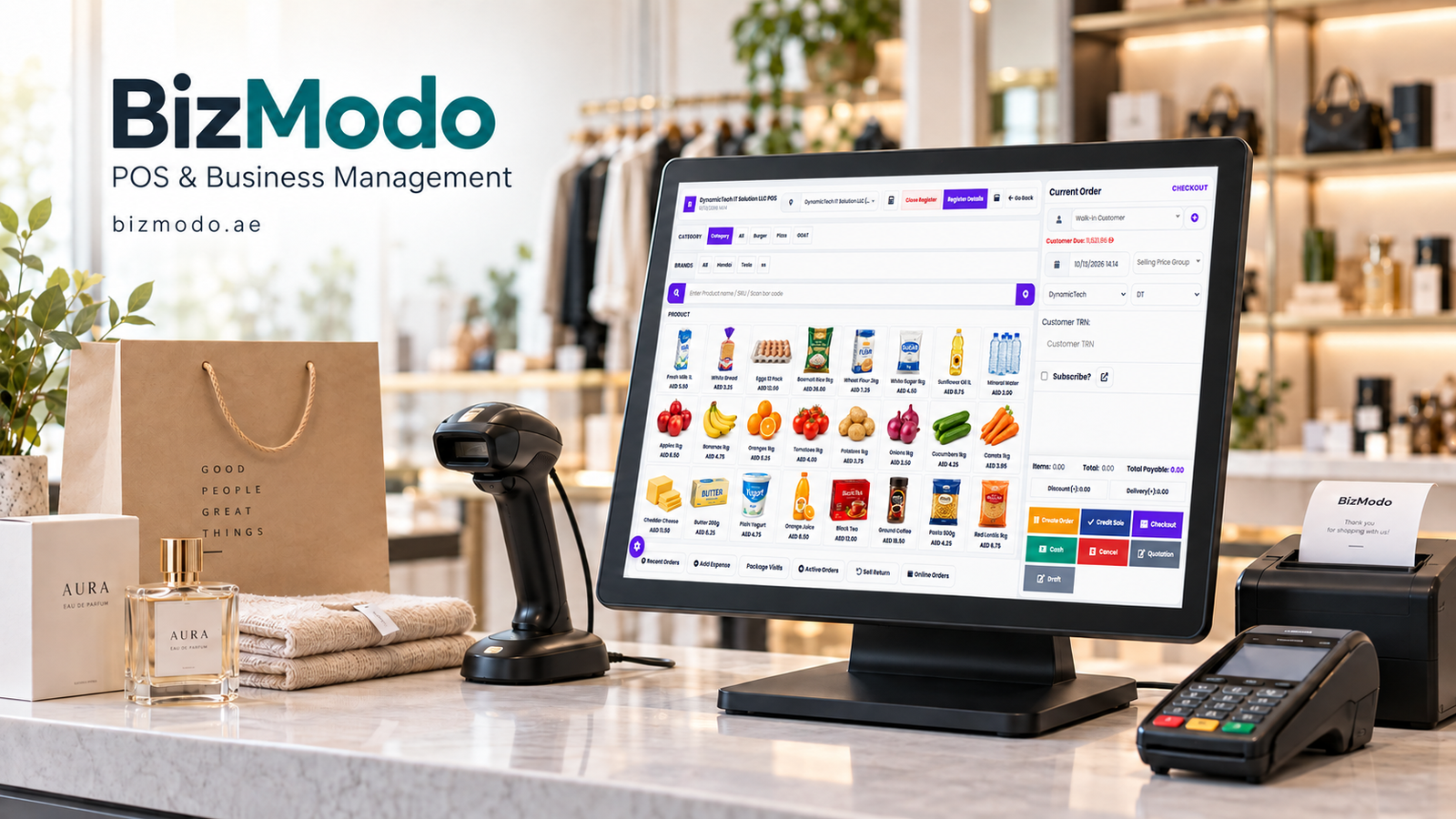
Retailers researching the Best Retail Store POS Systems can include BizModo’s retail solution in their evaluation. Use the same product catalogue and transaction scenarios when reviewing each provider, and confirm which capabilities are included in the quoted package.
The strongest choice is the one your team can use confidently and your business can depend on for accurate records. Before signing, make sure it can handle your products, exchanges, stock movements, and reporting needs in a practical demonstration.

 Arabic
 French
 Spanish
 Portuguese
 Deutsch
 Turkish
 Dutch
 Italiano
 Russian
 Romaian
 Portuguese (Brazil)
 Greek