
A Guide to Using IPTV at Community Centers, Temples, and Cultural Associations
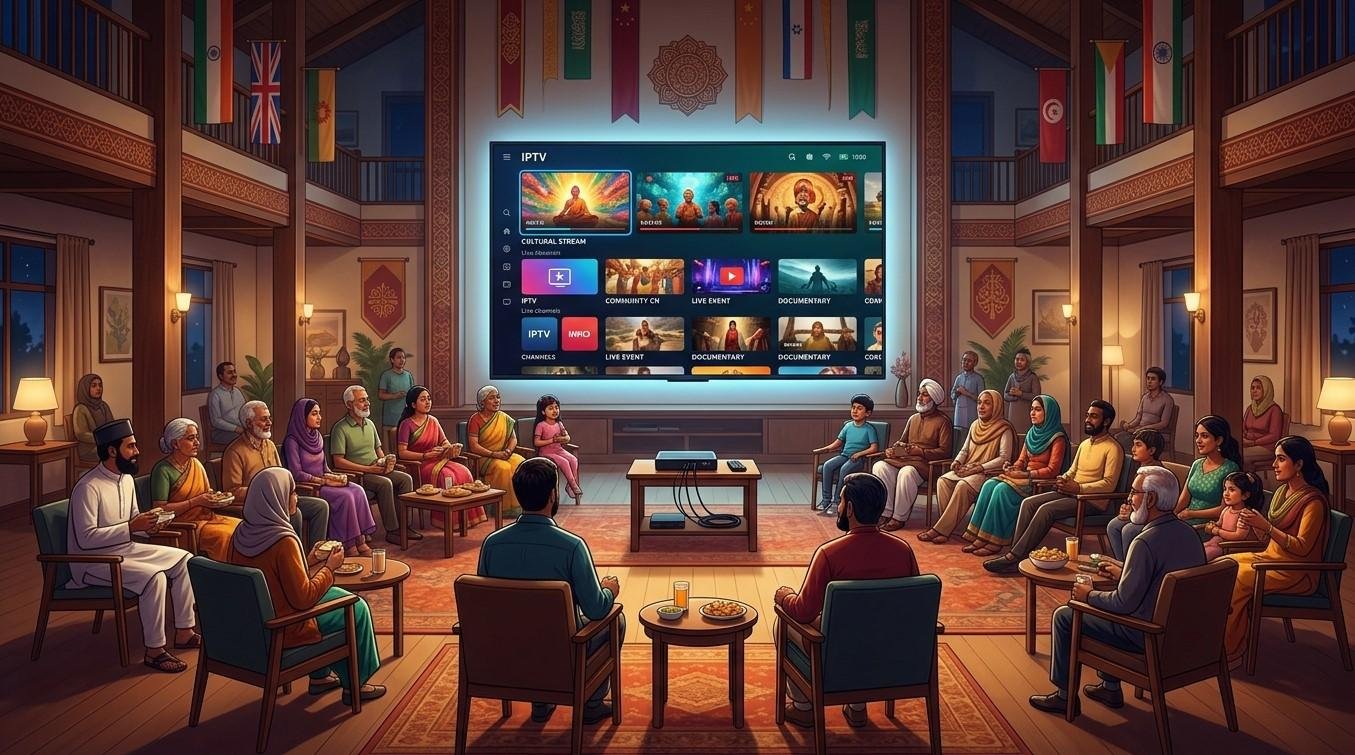
Community centers, temples, and cultural associations are natural places to share Indian television. Devotional programming, festival coverage, cricket matches, and news all bring people together. Before you plug a streaming box into the hall’s projector, though, there’s one question to settle first: is your subscription allowed to be used in a public or group setting? In this guide, we’ll cover the licensing questions to ask, how to set up a reliable system, and how to run it responsibly with IPTV India and an Indian IPTV Box.
This is general information, not legal advice. Rules vary by provider, content, and location, so confirm the details in writing before you rely on any setup.
Table of Contents
- Why Community Venues Want IPTV
- Personal Use vs Public Use: The Key Distinction
- Questions to Ask Your Provider Before You Start
- Situations That Often Need Extra Permission
- Content You Can Use With Fewer Concerns
- Setting Up the Technology
- Managing the Account as an Organization
- Planning for Festivals and Big Events
- Common Mistakes to Avoid
- FAQs
Why Community Venues Want IPTV
Organizations that serve the Indian community often want to:
- Show devotional programming during prayer times, festivals, or special observances
- Broadcast cultural events and festival coverage live from India
- Host cricket and sports viewing for members
- Keep a news or music channel on in a lobby or senior center
- Give seniors and families a familiar, welcoming space to gather
IPTV is appealing because it needs no dish, no installation visit, and no long-term cable contract. But a service designed for a household doesn’t automatically cover a room full of people.
Personal Use vs Public Use: The Key Distinction
Most standard IPTV subscriptions are sold for private, personal viewing at one home. Showing television to a group in a community space is often treated differently from watching at home, even when no one pays an entrance fee.
Here’s why it matters:
- Broadcasters and content owners usually license content for specific uses. Home viewing and public display are commonly separate categories
- Provider terms of service often limit use to personal, non-commercial purposes, and some explicitly prohibit public display or redistribution
- Venue type and audience size can matter. A few people in a break room is different from a hall with a projector and an event announcement
- Fundraising, ticketing, and advertising change the picture. Charging admission, selling food around a screening, or promoting an event with a specific broadcast can push use into commercial territory
Many organizations assume that because they’re nonprofit or religious, standard rules don’t apply. That isn’t a safe assumption. Whether any exceptions exist depends on the provider’s terms, the content owner’s rights, and local law, so ask rather than guess.
Questions to Ask Your Provider Before You Start
Put these questions to your IPTV India provider and get the answers in writing, by email or in a signed agreement:
- Does my plan permit use in a public or commercial venue? If not, is there a commercial or business plan?
- Are community centers, houses of worship, and nonprofits covered under specific terms?
- Are there restrictions on the number of viewers, screens, or hours of use?
- Does the license cover all the channels I want to show, or are some excluded from public display?
- Can the account be held in the organization’s name, rather than a volunteer’s personal name?
- How many simultaneous streams does the plan allow, and can I add screens?
- Are there extra requirements for special events, such as a live cricket final or a ticketed festival night?
- What happens if rights for a channel change?
- Who do I contact for support during an event?
- What are the cancellation and refund terms if the arrangement doesn’t work out?
If the provider can’t answer clearly or won’t put it in writing, treat that as a warning sign.
Situations That Often Need Extra Permission
Some uses are more likely to need explicit approval than others. Check before doing any of these:
- Projecting onto a large screen in a hall for a group
- Screening a live match or special broadcast as an event, especially with announcements or invitations to the public
- Charging admission, collecting donations at the door, or running a fundraiser around a broadcast
- Selling food, drinks, or sponsorships tied to the viewing
- Streaming to multiple rooms or buildings at once
- Recording a broadcast for later playback or distribution
- Re-streaming or sharing the feed online or to other locations
- Using the service continuously as background programming in a public space, such as a lobby or cafeteria
Playing a feed to the public in a business or organizational setting is a common source of licensing disputes, so it’s worth treating all of these with care.
Content You Can Use With Fewer Concerns
If a commercial arrangement isn’t available, you still have ways to create a great experience:
- Your own content. Record and stream your own events, prayers, performances, and talks, and you control the rights
- Content you’ve been given permission to use. Some temples, speakers, artists, and organizations share content for community use. Get that permission in writing
- Licensed community programming. Some broadcasters and organizations offer venue licenses or public-viewing arrangements for specific events or channels. Ask the broadcaster or provider directly
- Public-domain or openly licensed material, where the license allows the use
- Official live streams from temples and institutions that are intended for public viewing, within the terms those organizations set
Do your homework on each source. “It’s on the internet” doesn’t mean it’s free to display publicly.
Setting Up the Technology
Once the licensing question is settled, a good setup makes the difference between a smooth event and a stressful one:
- Internet: Use a dependable, wired connection if possible. A busy hall with many phones on Wi-Fi can overwhelm a single router, so consider a separate network for the streaming device
- Bandwidth: Plan for at least 10 to 15 Mbps per HD stream, plus headroom for everything else on the network
- Device: A dedicated Indian IPTV Box is simple and stable. Keep it mounted or secured, with good ventilation and a surge protector
- Display: A projector or large screen should be bright enough for the room. Test it at the time of day you’ll actually use it
- Audio: Hall acoustics matter. A proper speaker system or PA connection is much better than TV speakers. Check audio sync if you use a receiver
- Cabling: Use quality HDMI cables, and keep runs short or use a powered extender for long distances
- Backups: Keep a second device ready, such as a spare box, a laptop, or a mobile hotspot, in case the primary one fails
- Remote control: Label and store remotes, and consider limiting who can change channels
- Parental and content controls: Set these up if children use the space
Test everything at least a day before an important event, and again shortly before it starts.
Managing the Account as an Organization
Treat the subscription like any other organizational asset:
- Hold it in the organization’s name, not a volunteer’s personal account, so the arrangement survives changes in leadership
- Use a shared organizational email, so reminders and support messages don’t depend on one person
- Have more than one trusted person know the login details, and store them securely
- Don’t post login details or playlist links publicly, in group chats, or on notice boards
- Document the licensing answers you received, along with dates and who confirmed them
- Get committee or board approval for the spending and the use policy
- Set a clear use policy that says which channels, hours, and events are permitted
- Track renewals and payments, so service doesn’t lapse before a festival
- Review the arrangement each year, since terms and needs change
Planning for Festivals and Big Events
Busy days are when systems break, so prepare in advance:
- Confirm the broadcast schedule and convert time zones carefully
- Confirm the permissions for that specific event with your provider, especially for a ticketed or advertised screening
- Expect heavy server load on popular days. Have a backup channel or stream if possible
- Test the connection at the venue, not just at home
- Assign roles: one person for the stream, one for audio, one for troubleshooting
- Have a fallback program ready, such as recorded content you have the rights to use
- Keep announcements accurate. Avoid promising a specific broadcast to the public until you’ve confirmed you can show it
Common Mistakes to Avoid
- Assuming a home plan covers a public hall
- Relying on a verbal “it’s fine” instead of written confirmation
- Using a volunteer’s personal account for organizational use
- Skipping a test run before the event
- Underestimating Wi-Fi congestion when many guests connect
- Advertising a broadcast before confirming you can legally and technically show it
- Sharing login details widely across committees or WhatsApp groups
- Ignoring the cost of backups, such as an extra device or a hotspot plan
FAQs
1. Can our temple or community center use a regular home IPTV subscription?
Not necessarily. Many subscriptions are limited to personal use. Ask your provider whether public or group display is permitted and whether a commercial or business plan is available, and get the answer in writing.
2. Does being a nonprofit or religious organization change the rules?
Don’t assume it does. Any special treatment depends on the provider’s terms, the content owners’ rights, and applicable law. Ask directly rather than relying on assumptions.
3. What if we only show it to a small group, with no admission charge?
The size of the group and the lack of a fee can be relevant, but they may not settle the question. Check the provider’s terms and ask before you decide.
4. Is it safer to stream our own events?
Generally yes, since you hold or control the rights to your own content. Make sure any speakers, performers, and music rights holders have agreed to the recording and streaming.
5. What should we get in writing from the provider?
Confirmation that your intended use is permitted, the number of screens and streams covered, any channel restrictions, who the account holder is, and what happens if rights change.
Share the Experience the Right Way
Bringing Indian programming to your community is a wonderful goal, and getting the licensing right protects your organization and keeps the service reliable. Talk to your provider about IPTV India options for group and public settings, and pair an approved plan with a dependable Indian IPTV Box and a well-tested setup. Explore our IPTV plans today and start planning your next community gathering with confidence.
 Dutch
Dutch
 English
 Arabic
 French
 Spanish
 Portuguese
 Deutsch
 Turkish
 Italiano
 Russian
 Romaian
 Portuguese (Brazil)
 Greek
Greek