
How to Use AI to Create Videos
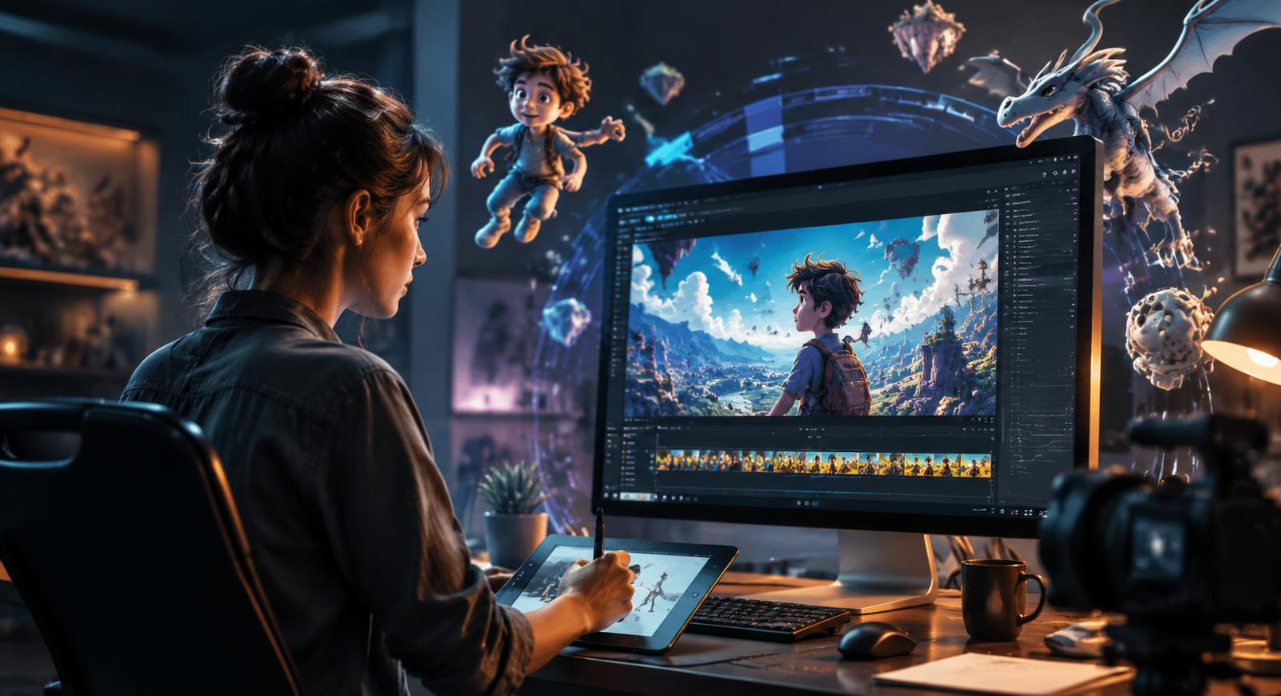
Creating videos no longer requires expensive cameras, professional editing software, or advanced technical skills. AI tools have made video production easier for content creators, marketers, businesses, and beginners. From writing scripts to generating realistic visuals and adding voiceovers, artificial intelligence can handle several stages of the creative process. Whether the goal is to produce social media clips, promotional videos, animated characters, or engaging storytelling content, learning how to use AI to create videos can save time and simplify production while giving creative ideas a fresh direction.
This article covers the essential steps, useful AI tools, creative techniques, and practical tips for producing videos with artificial intelligence.
1. Start With a Clear Video Idea
Every successful video begins with a clear concept. Before opening an AI video generator, decide what the video should communicate and who will watch it. A promotional video needs a different approach from an educational tutorial or an entertaining social media clip.
Start by identifying three important things:
-
Video purpose: Decide whether the content will educate, entertain, promote, or tell a story.
-
Target audience: Consider the interests, age group, and viewing habits of the intended audience.
-
Video format: Choose between short-form clips, product demonstrations, animated stories, or longer presentations.
Similarly, think about the platform where the video will appear. Instagram Reels and TikTok generally work well with vertical videos, whereas YouTube supports both vertical and horizontal formats.
Having a clear direction makes the remaining production process much easier.
2. Write a Script That Matches Your Visuals
A good script gives the video structure and keeps the message focused. AI writing assistants can help generate introductions, dialogue, scene descriptions, and voiceover scripts.
However, the generated text should always be reviewed before production. Add natural expressions, remove unnecessary sentences, and make sure the dialogue sounds appropriate for the intended audience.
For a short promotional video, a simple structure works well:
-
Opening: Introduce an interesting question, problem, or situation.
-
Main message: Present the key information through short scenes.
-
Closing: Finish with a memorable statement or call to action.
Likewise, keep the script conversational rather than overly formal. Viewers are more likely to remain interested when the message feels natural and easy to follow.
3. Choose the Right AI Video Generator
Selecting suitable software is an important part of learning how to use AI to create videos. Different tools serve different creative needs. Some generate videos from text prompts, while others animate images, create digital presenters, or produce character-based scenes.
Here are a few options worth considering:
-
Runway: Useful for AI-generated video clips, creative visual effects, and image-to-video production.
-
Google Veo: Designed for generating video scenes from written prompts.
-
Kling AI: Helps create cinematic clips and animate still images.
-
HeyGen: Suitable for presenter-style videos, AI avatars, and business communication.
-
Sugarlab AI: Offers AI-powered creative experiences for users interested in generating personalized visual and character-based content.
In comparison to traditional editing workflows, these tools can reduce the amount of manual work required. However, their output quality, editing controls, pricing, and content policies can differ.
Therefore, choose a tool according to the video format and creative control required rather than simply selecting the most popular option.
4. Generate Visuals Using Descriptive Prompts
AI video generators depend heavily on the instructions they receive. A vague prompt may produce an inconsistent result, whereas a descriptive prompt gives the system a clearer creative direction.
A useful prompt should mention:
-
Main subject or character
-
Background and surroundings
-
Camera angle and movement
-
Lighting and visual atmosphere
-
Actions and expressions
-
Preferred visual style
For example, a prompt could describe a young animated character walking through a futuristic city at sunset, with cinematic lighting, smooth camera movement, and detailed surroundings.
Specifically, when creators want to make AI character video content, describing facial expressions, clothing, body movements, and scene continuity can help produce more consistent results.
It is also helpful to generate several short scenes instead of requesting one lengthy video immediately. Each scene can then be reviewed and adjusted before being combined.
5. Add Voiceovers, Music, and Sound Effects
Visuals attract attention, but sound gives a video personality. AI voice generators can convert written scripts into spoken narration with different accents, tones, and speaking styles.
Choose a voice that matches the subject. An educational video may benefit from a calm and clear narrator, while an entertainment clip might require more expressive delivery.
Meanwhile, background music should support the message without overpowering the narration. Sound effects can also make transitions, movements, and scene changes feel more natural.
Before publishing, check the audio carefully. Dialogue should remain understandable, music levels should be balanced, and unnecessary pauses should be removed.
6. Edit the Video and Maintain Visual Consistency
Even though AI can generate most of the initial material, editing remains an important stage. Combine the generated clips, remove unwanted frames, adjust transitions, and arrange scenes according to the script.
Creators who want to make 18+ AI video content should also check the selected tool's age restrictions, content policies, and consent requirements before generating or publishing material.
Similarly, keep the following editing points in mind:
-
Maintain consistent character appearances across scenes.
-
Use readable captions and subtitles.
-
Avoid excessive transitions and visual effects.
-
Check the video dimensions before exporting.
-
Review every scene for visual errors and unnatural movements.
Of course, a final review is essential. AI-generated videos can sometimes contain unusual facial expressions, inconsistent objects, or incorrect movements. These issues should be corrected whenever possible.
7. Publish and Improve Your Video Content
Once the video is ready, select an appropriate platform and prepare an engaging title, description, and thumbnail. Add relevant keywords naturally so viewers can identify the subject of the content.
Initially, publish videos in formats suited to the intended audience. Subsequently, review viewer feedback, comments, and audience retention to identify which scenes or topics receive more attention.
We can also learn from each production attempt. If a particular prompt generates better visuals, save it for future projects. Similarly, keep successful scripts and editing settings available for upcoming videos.
Conclusion
AI has made video production more accessible to beginners, businesses, and experienced creators. From planning scripts and generating visuals to adding voiceovers and editing scenes, these tools can simplify many creative tasks. However, good results still depend on clear ideas, descriptive prompts, careful editing, and responsible publishing. Although AI handles much of the technical work, human creativity remains essential for producing meaningful content.
Start with a simple project, experiment with different tools, and gradually develop a video creation process that matches the intended audience and creative goals.

 English
 Arabic
 French
 Spanish
 Portuguese
 Deutsch
 Dutch
Dutch
 Italiano
 Russian
 Romaian
 Portuguese (Brazil)
 Greek
Greek